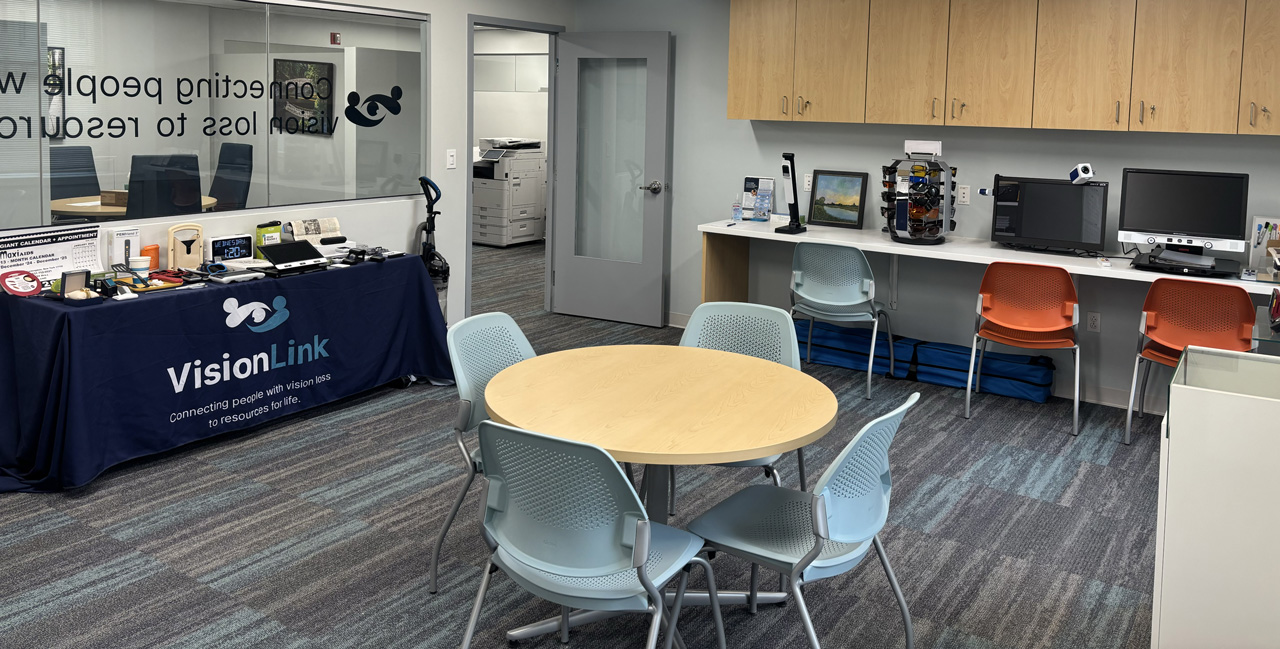
Visit the Low Vision Resource Center
Get the training and referrals you need, and try out the devices you want.
At VisionLink, we offer in-person and virtual sessions with individualized training plans to improve your daily life. Our training is designed to develop and strengthen your abilities to navigate, communicate, and engage more fully in everyday life with the goal of maximizing your safety and enjoyment. Instruction covers reading, writing, recognizing faces, and performing daily tasks using low vision devices. We provide referrals to local low vision providers, occupational therapists and other wraparound resources for individuals experiencing vision difficulties.
Are you managing a recent diagnosis or experiencing a sudden change in vision?
We can help you with your next steps. Provide some general information and we will follow up with you.
Home Management Tip of the Month
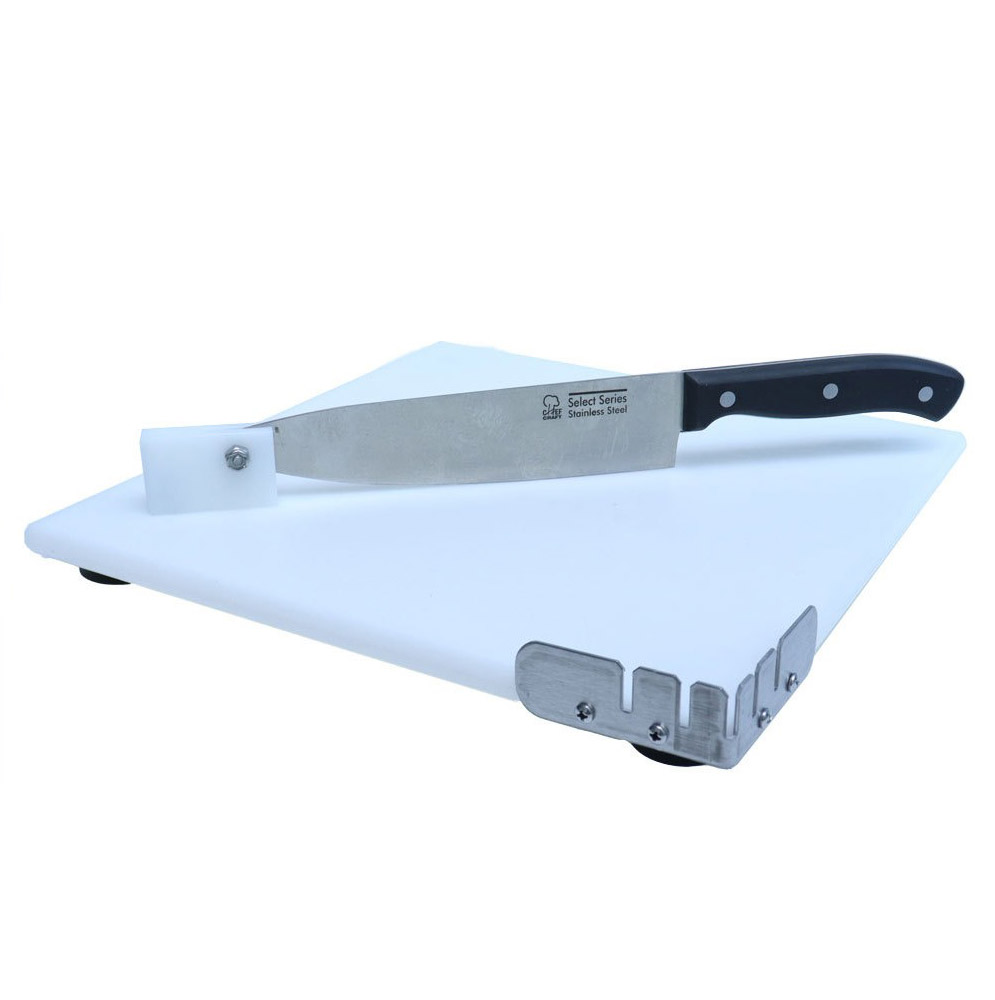
Prepare food safely and efficiently with this adaptive cutting board. Its stable, non-slip base and pivoting blade let you guide the knife without needing to watch it. Built-in spikes and raised edges hold food in place, making slicing and chopping easier and safer.
Curious if this tool could help you in the kitchen? Email us or call us at (215) 627-0600 to schedule a visit with a Vision Rehabilitation Therapist.
“Thanks to the magnifier VisionLink gave me, I’m able to follow along at my church service and read the prayer book with everybody else. It feels great to participate and feel included, even with my advanced glaucoma.”
-VisionLink Client
Optical Devices and Equipment for Independent Living
Below are many of the devices available to try at our Low Vision Resource Center. Call us to schedule a visit!
Home and Personal Management
Devices and equipment designed for home use can support everyday tasks such as cooking, organizing, personal care, and household management.
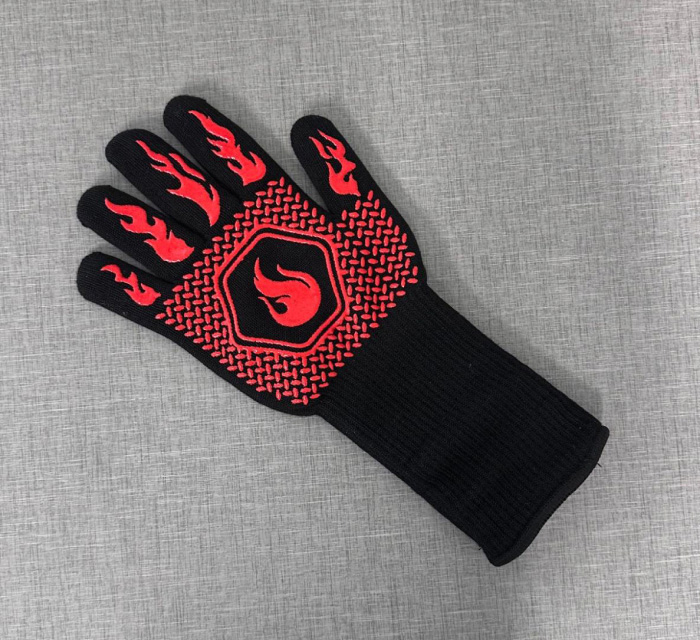
Ov’ Glove
This heat-resistant glove keeps your hands safe from burns. It lets you handle hot items with a secure grip.
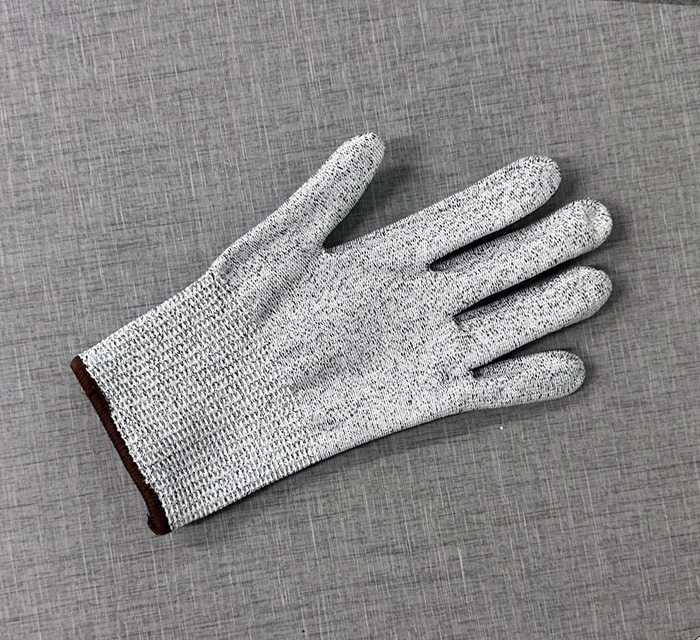
Cut-Resistant Glove
Work with knives or other sharp tools and protect your hands from cuts, while still having control and freedom to move.
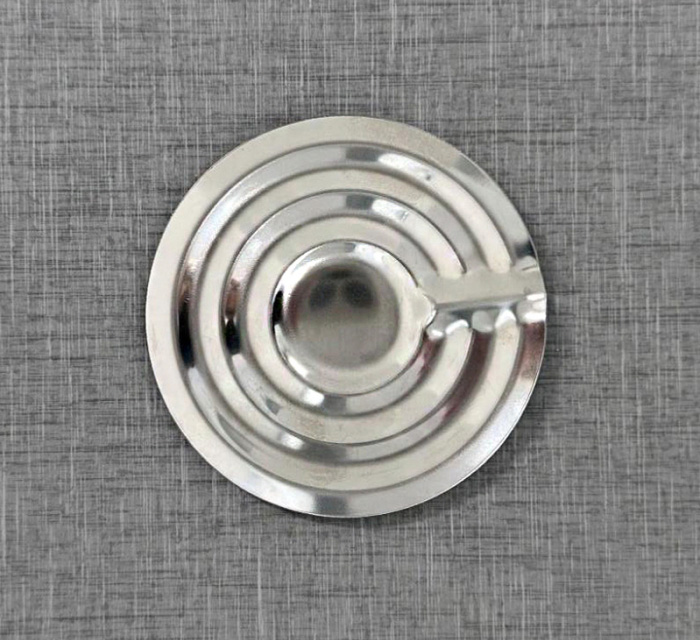
Boil Disc
This stainless steel device sits at the bottom of a pot and makes a rattling sound when water reaches a boil.
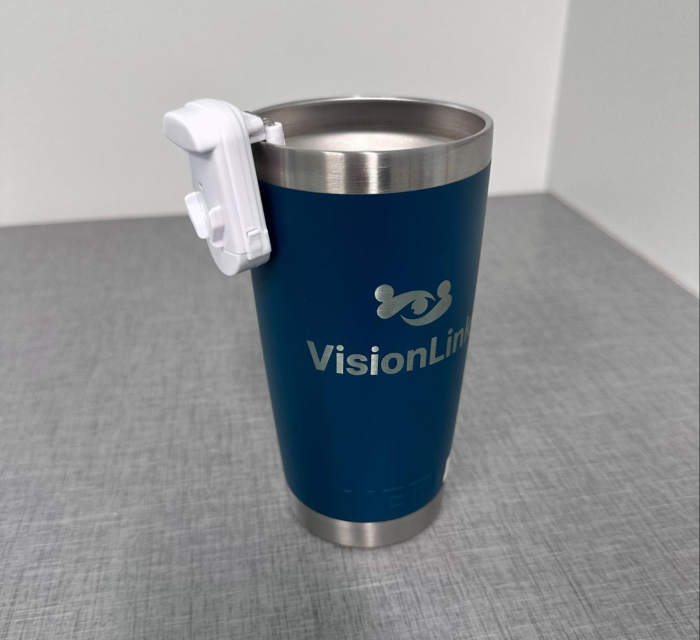
Liquid Level Indicator
This device hangs on the rim of a cup and beeps/vibrates as liquid approaches the rim. Check out our video!
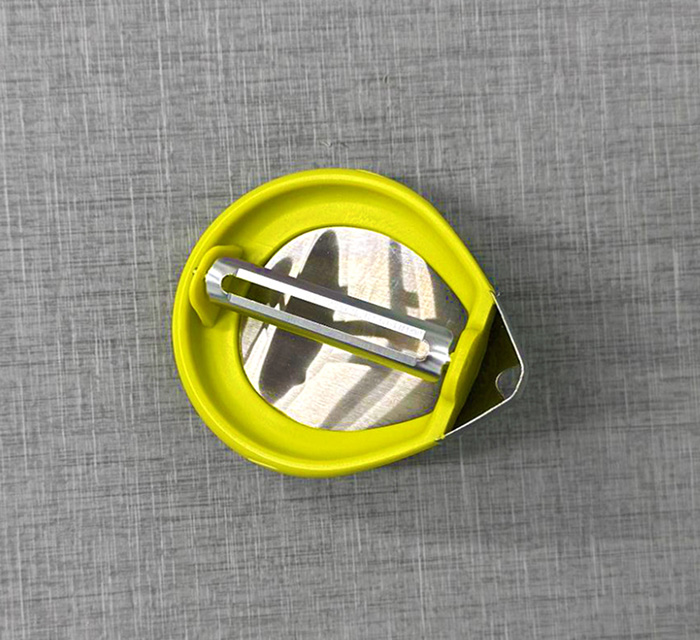
Palm Peeler
Transform your palm into a peeler with this tool. Its design is ideal for individuals with limited hand strength or dexterity.
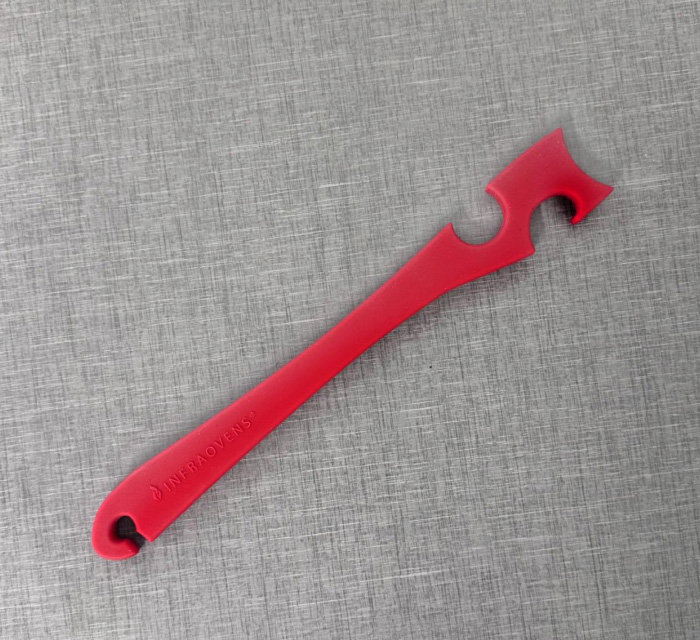
Push/Pull Stick
Easily move oven racks and pan edges with this tool, featuring a secure grip and stay-cool handle. High heat-resistance.
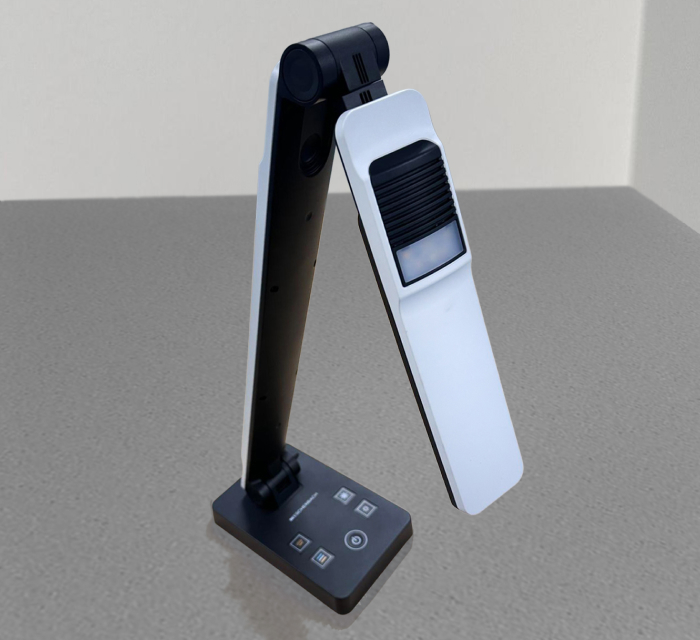
OttLite
This high-quality task lamp provides adjustable illumination brightness and color temperatures.
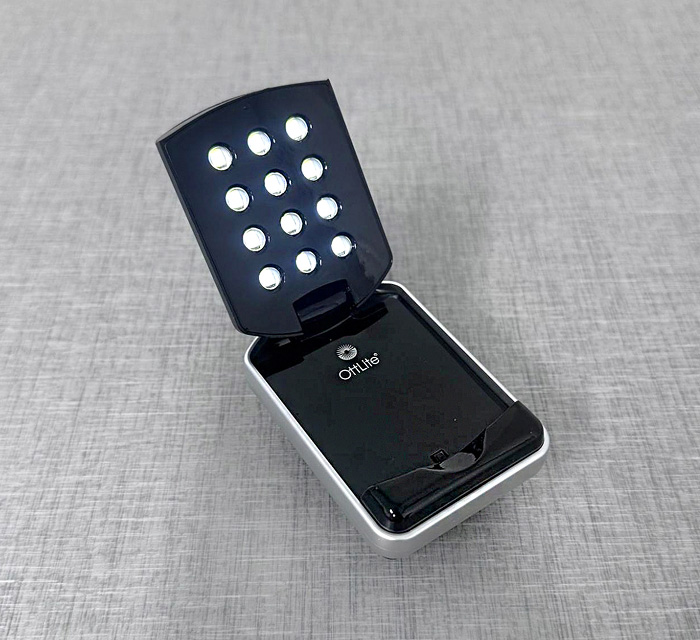
OttLite Mini
A compact, battery-powered, portable LED lamp designed for on-the-go illumination.
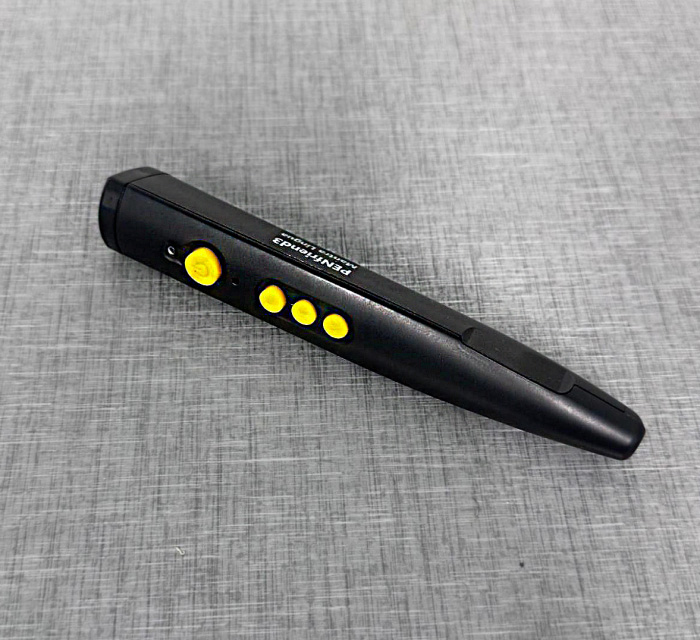
PenFriend 3
This tool records audio onto tactile stickers, and plays back by touching the device to the label. Check out our video!
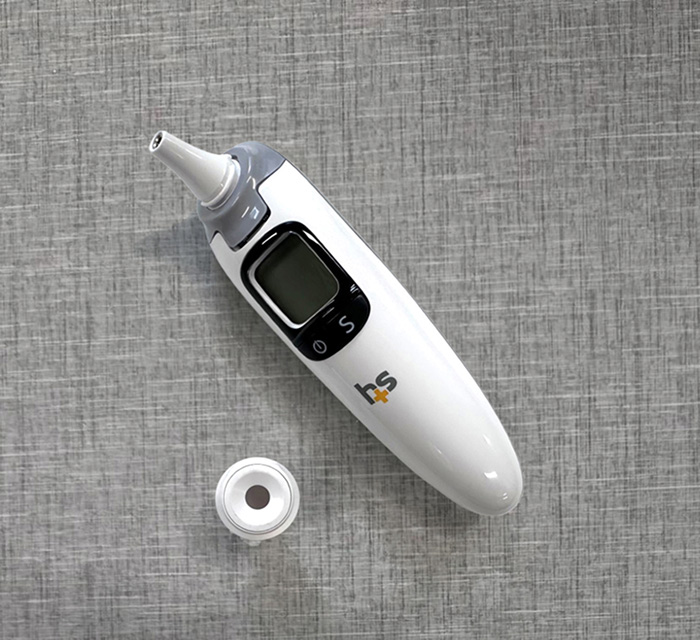
Talking Body Thermometer
The HealthSmart Talking Ear and Forehead thermometer provides audio readings in English and Spanish.
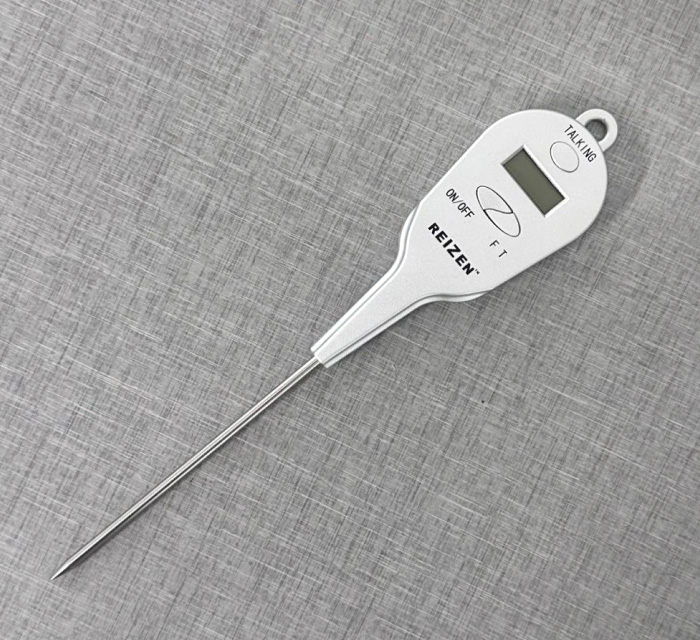
Talking Food Thermometer
A Talking Digital Cooking Thermometer gives a clear, accurate, quick reading of the internal temperature of food.
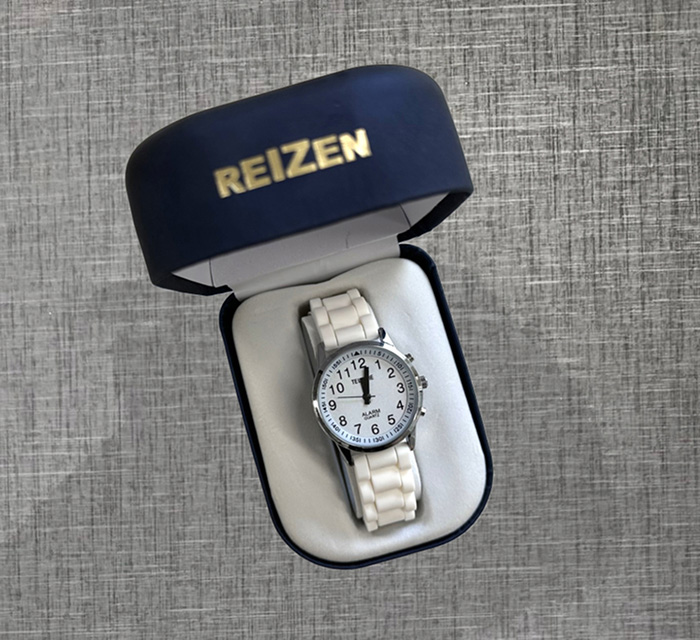
Talking Watch
This wristwatch announces the time in English or Spanish, and features large buttons, an alarm, and other functions.
Technology
A variety of technology devices are designed to support accessibility, efficiency, and independence in everyday life.
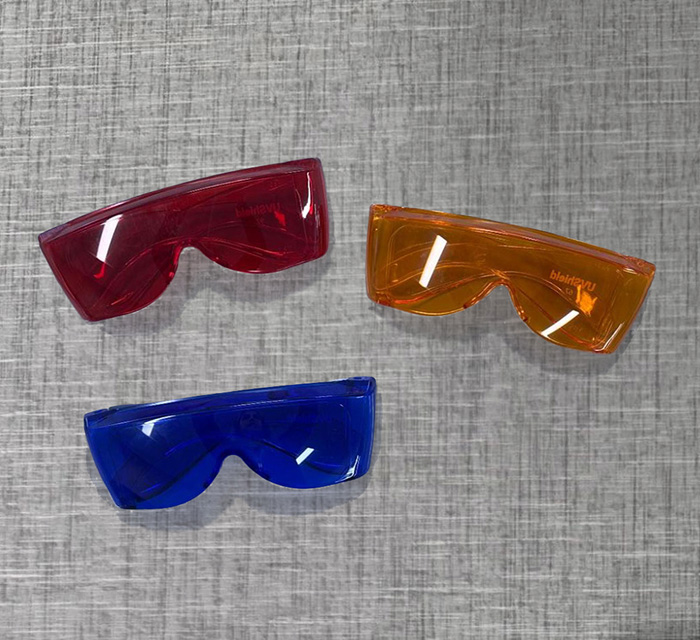
Color Glasses
These tinted lenses reduce glare and filter specific wavelengths of light to help you see more comfortably.
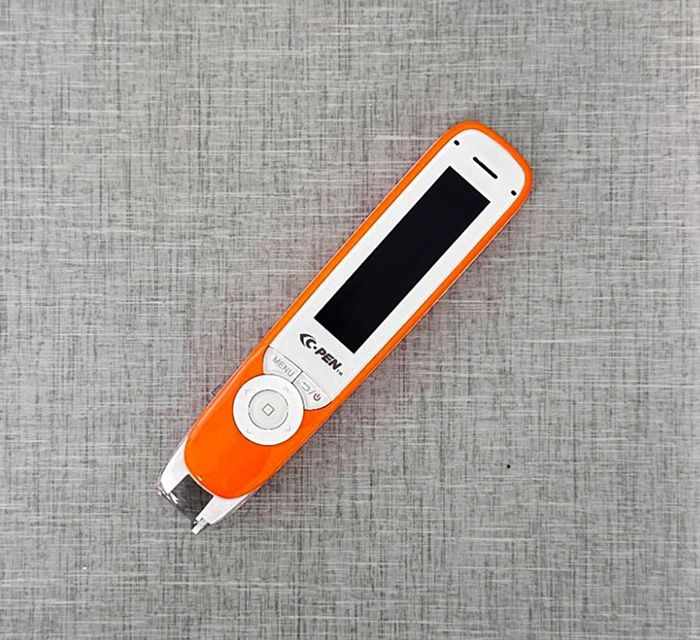
C-Pen
This handheld scanning pen reads printed text out loud or through headphones.
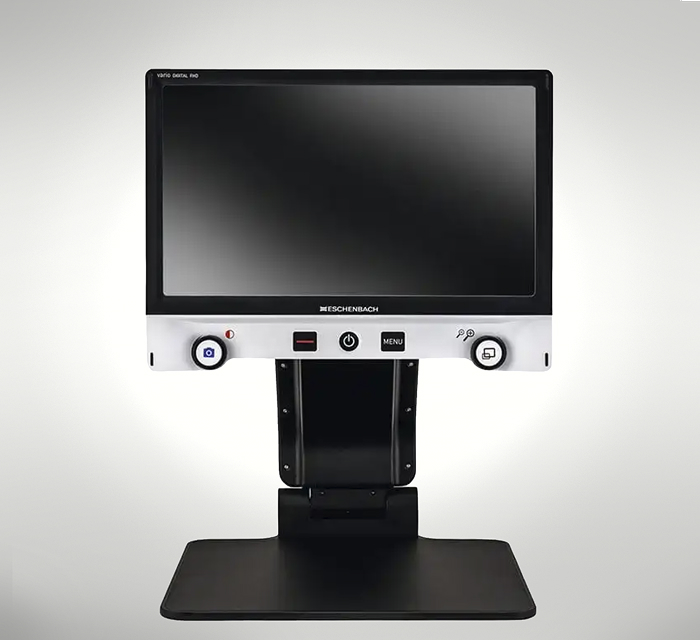
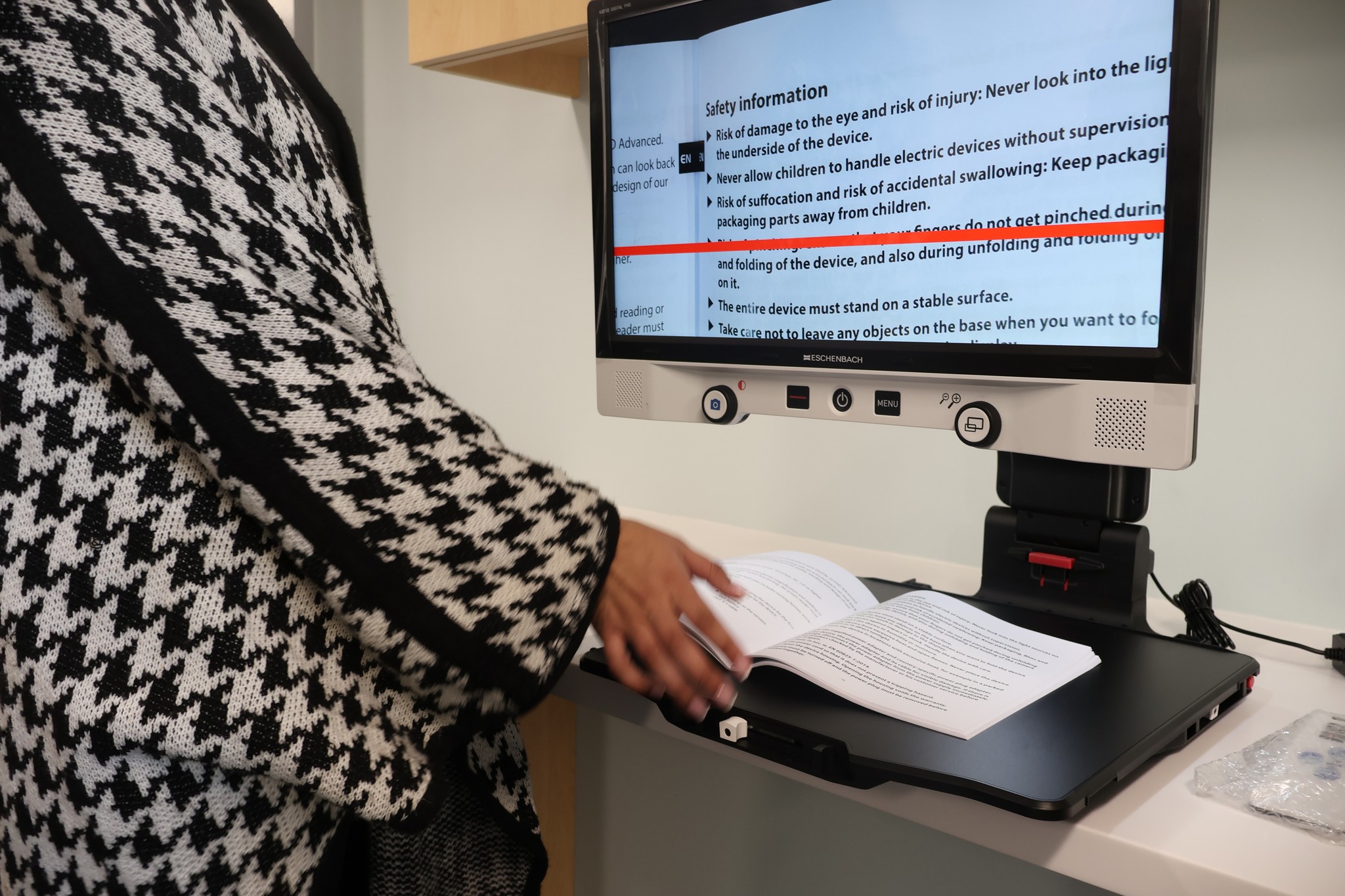
CCTV
CCTVs have big screens and adjustable, clear magnification and contrast to make reading mail and documents easier.
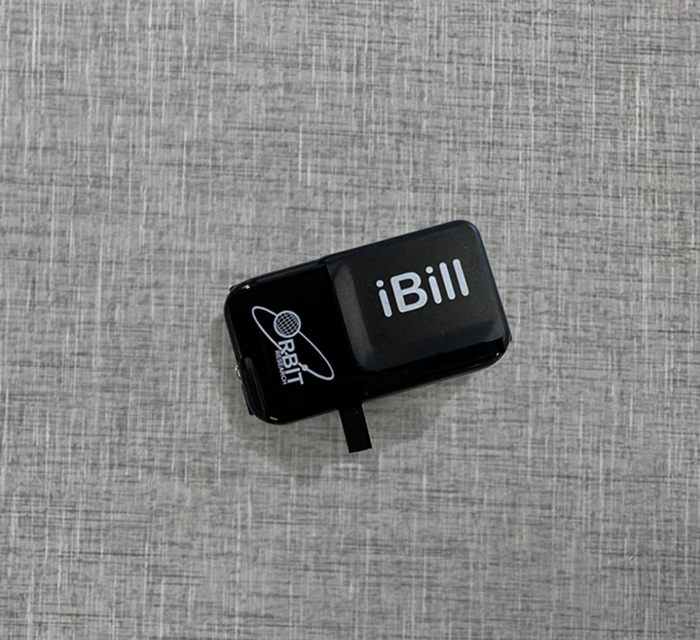
iBill Currency Reader
This device quickly identifies paper money and announces the denomination out loud. Check out our video!
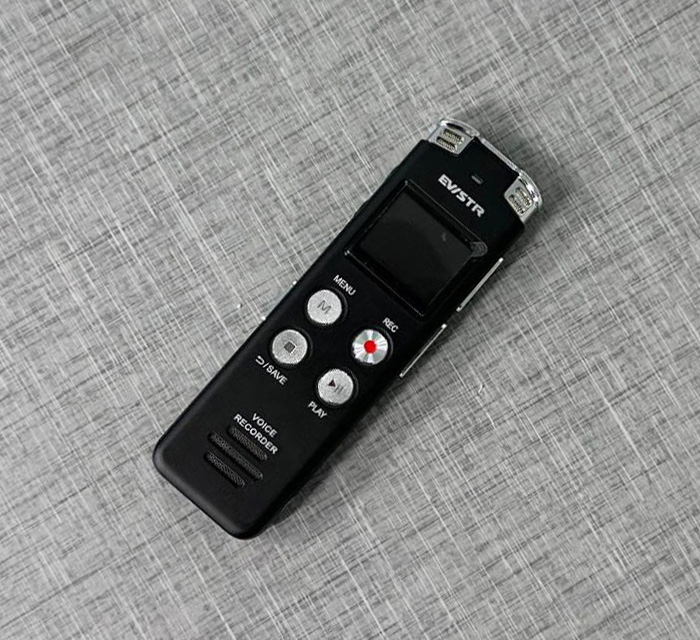
Evistr Voice Recorder
This audio recorder with only a few buttons is a quick, easy way to record memos, recipes, appointments, etc.
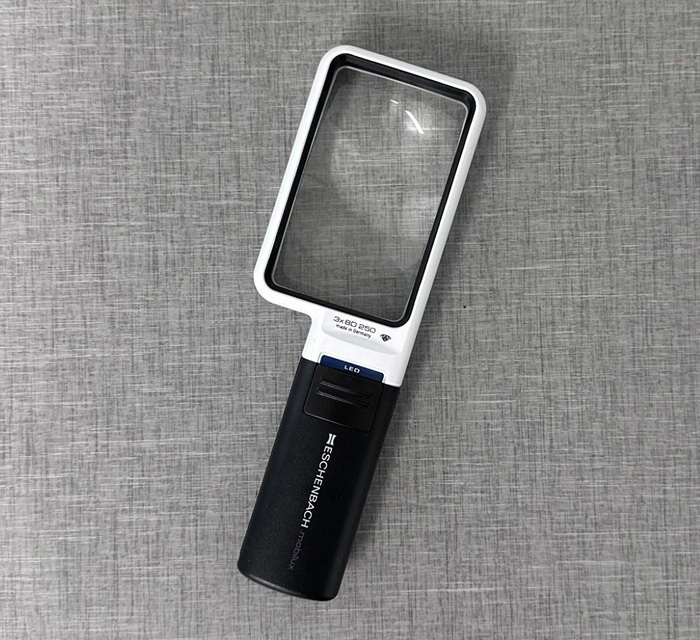
Illuminated 3x Magnifier
An illuminated handheld magnifier helps you adjust for small vision differences as you move it closer or farther away.
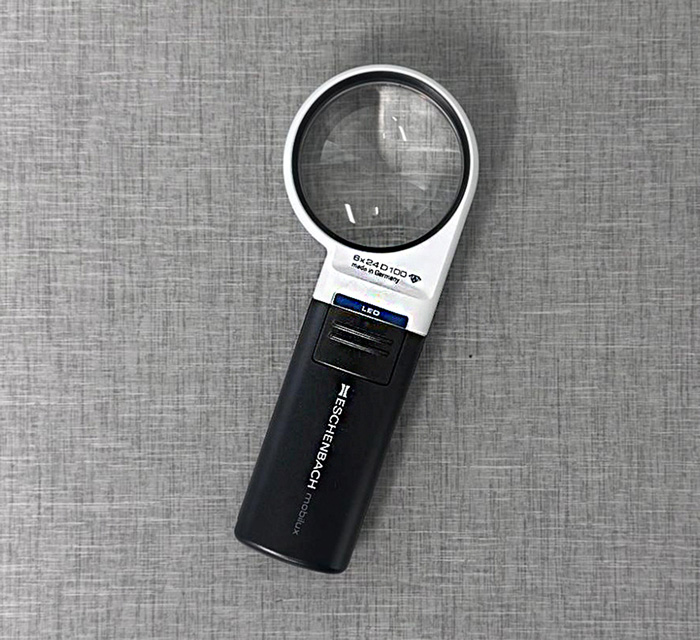
Illuminated 6x Magnifier
An illuminated handheld magnifier helps you adjust for small vision differences as you move it closer or farther away.
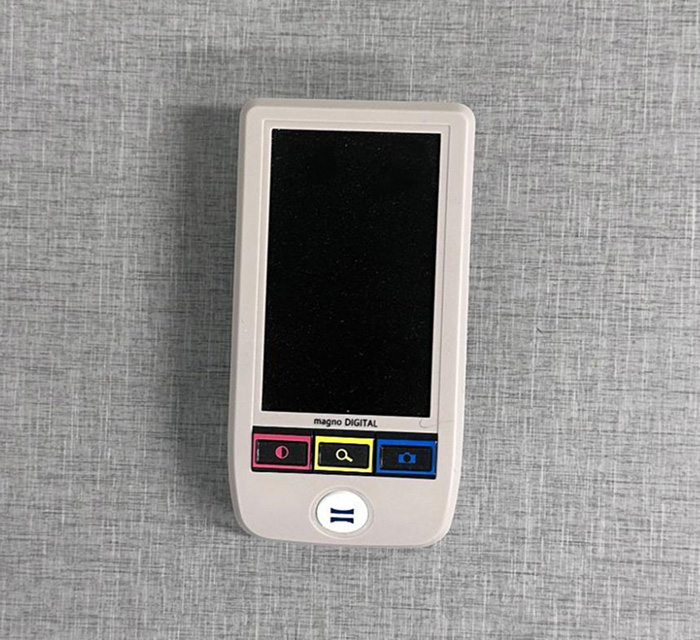
Magno Digital Video Magnifier
A portable, handheld, rechargeable, and illuminated video magnifier with adjustable magnification and contrast.
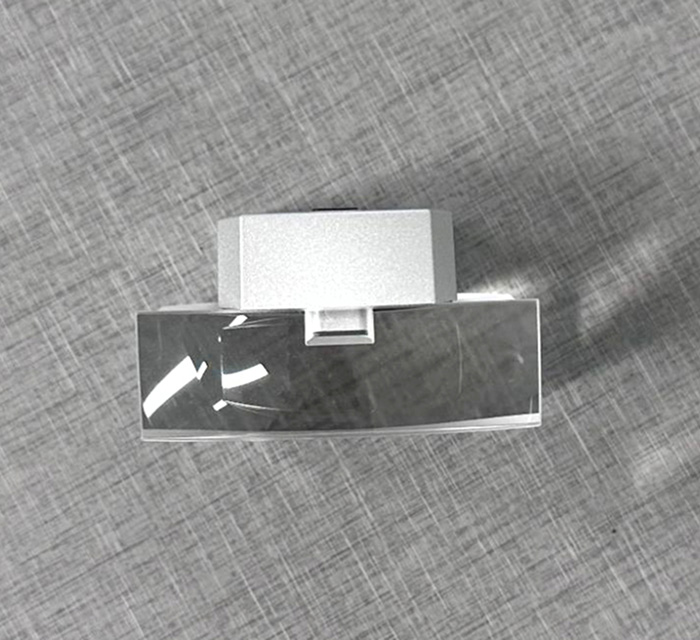
Makrolux Field Magnifier
This standing magnifier provides 3.6x magnification with integrated lighting, offering a wide field of view.
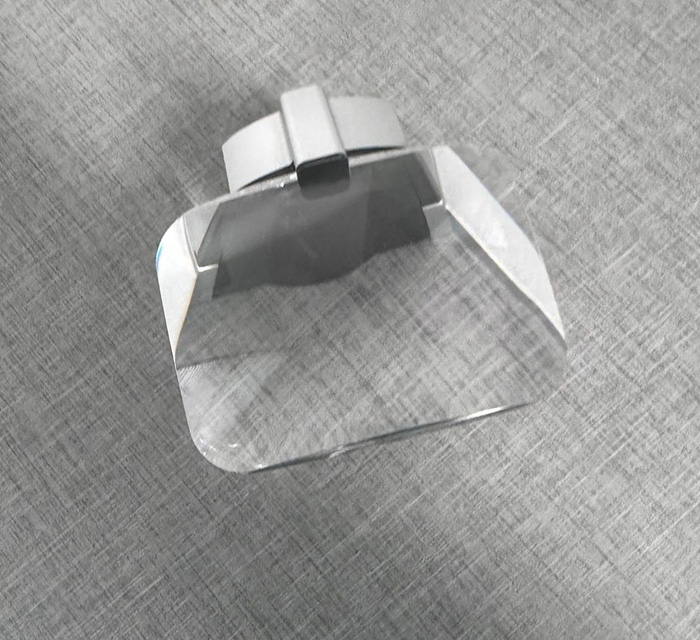
Scribolux Magnifier
This standing magnifier features integrated lighting to make reading and writing clearer and easier.
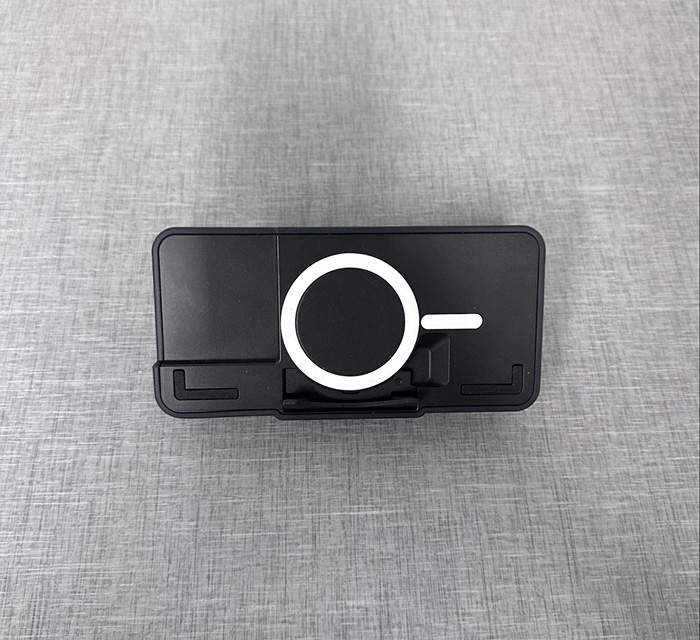
Optaro
Turn your phone into a magnifier with the Optaro phone case and app! Enlarge text and adjust magnification and contrast.
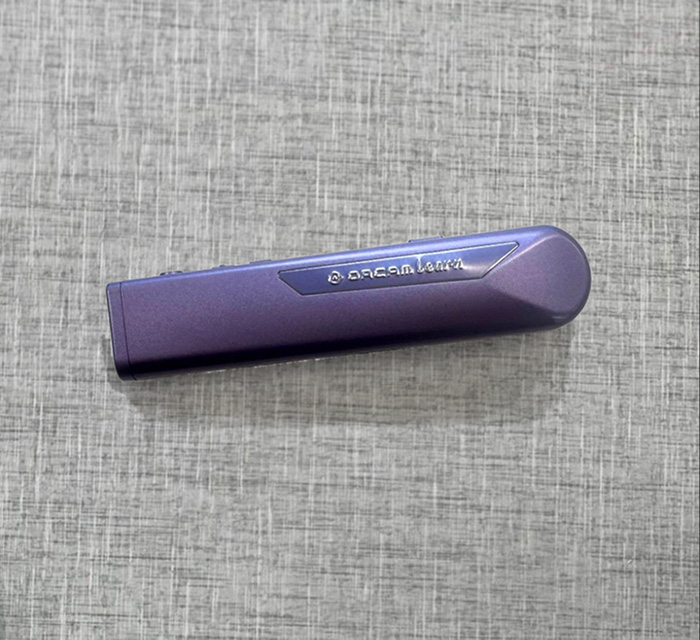
OrCam Learn
Point and click, and this device will read a full page, paragraph, or single word out loud from any digital or printed surface.
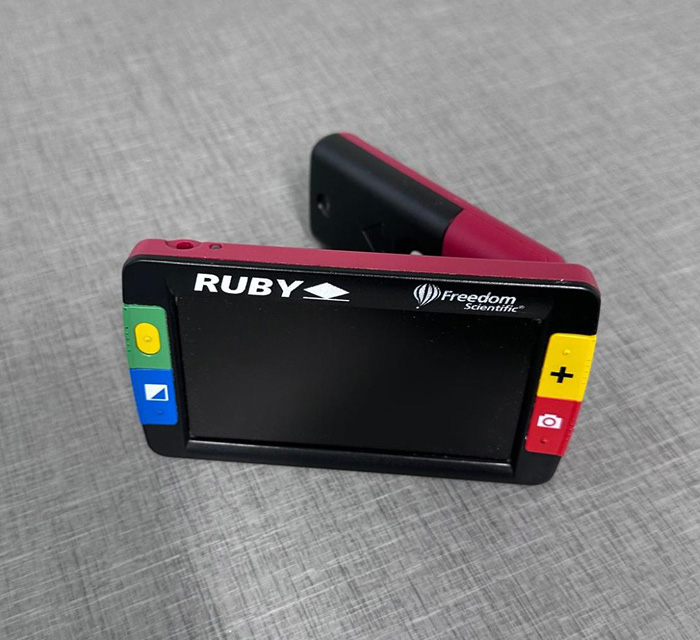
Ruby
This slim video magnifier with a color screen enlarges items from 2x to 14x, with LED lighting and large buttons.
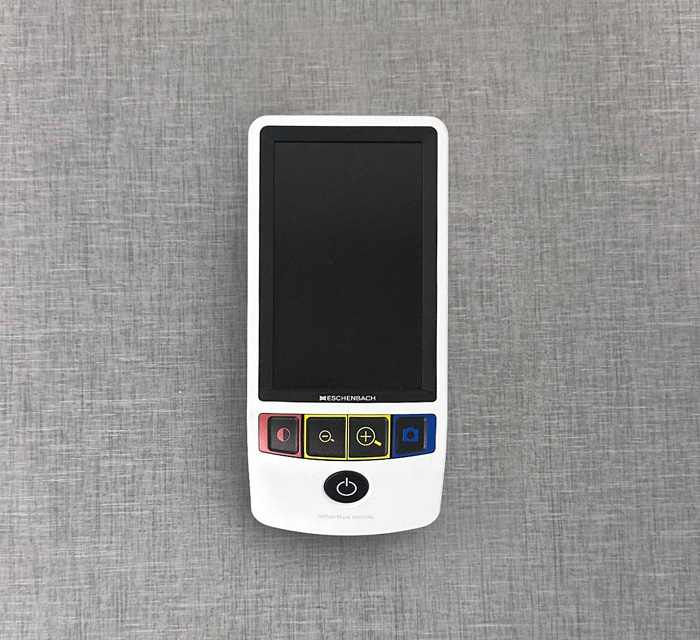
SmartLux Digital Magnifier
This is a portable electronic magnifier with a bright screen and adjustable magnification and contrast levels.
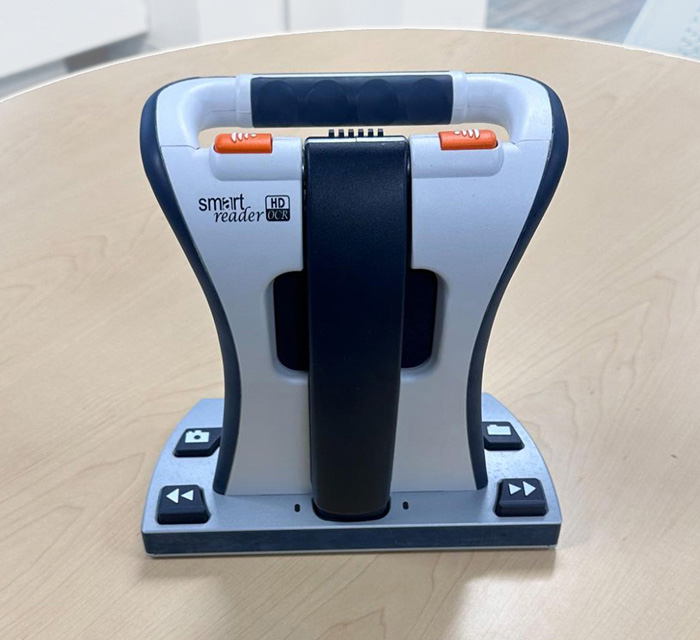
SmartReader
The SmartReader is a portable, handsfree device that scans and reads printed material.
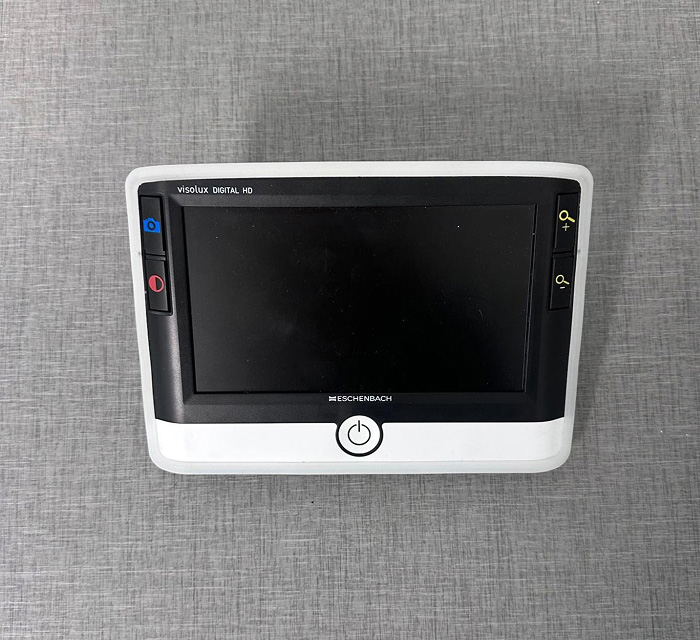
Visolux Digital
This portable video magnifier with LEDs has magnification and contrast controls for handsfree reading on a large screen.
Mobility
Mobility devices offer tools that support orientation, movement, and safety, enhancing comfort and confidence in daily navigation.
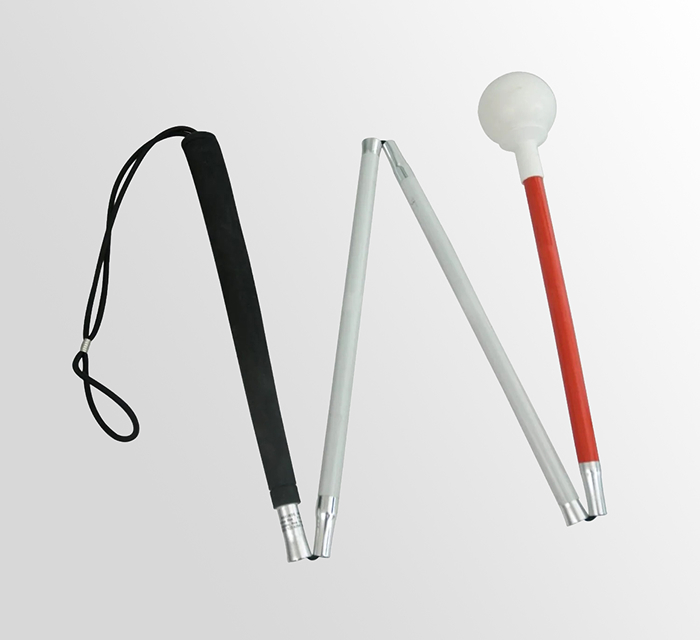
Folding Cane
A lightweight, reliable, convenient aid. It can easily fold into sections or extend and lock securely in place.
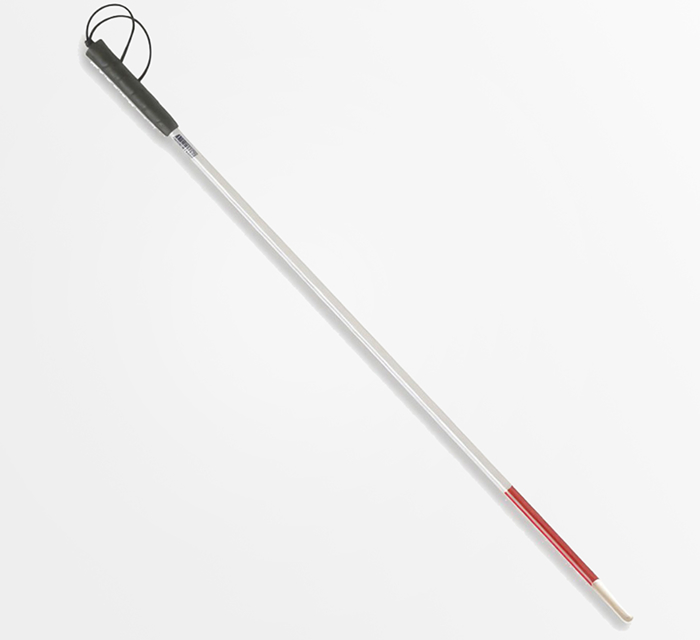
Rigid Cane
A durable tool that provides consistent tactile feedback for accurate detection of obstacles and changes in terrain.
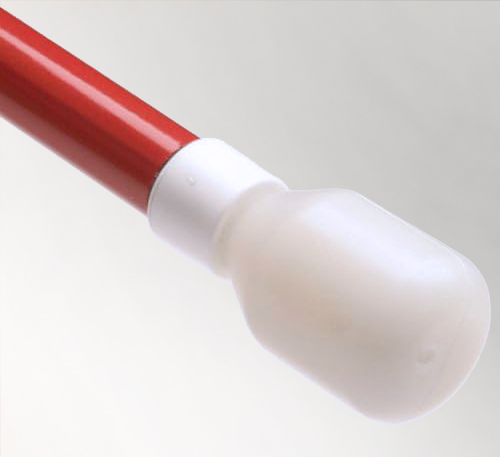
Hook Tip
This marshmallow-shaped cane tip is used for the two-point touch technique, providing good, quiet tactile feedback.
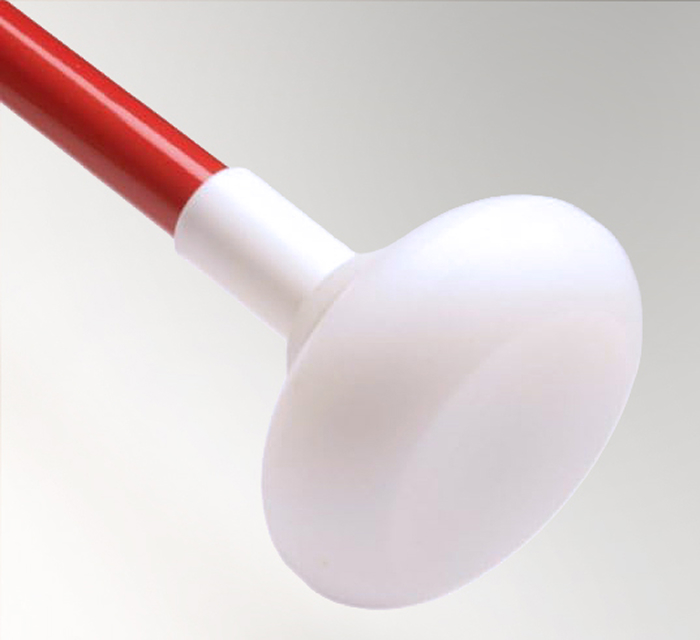
Jumbo Roller Tip, Hook Style
This tip style easily handles pavement cracks, cobble stones, and obstacles, providing greater tactile sensitivity.
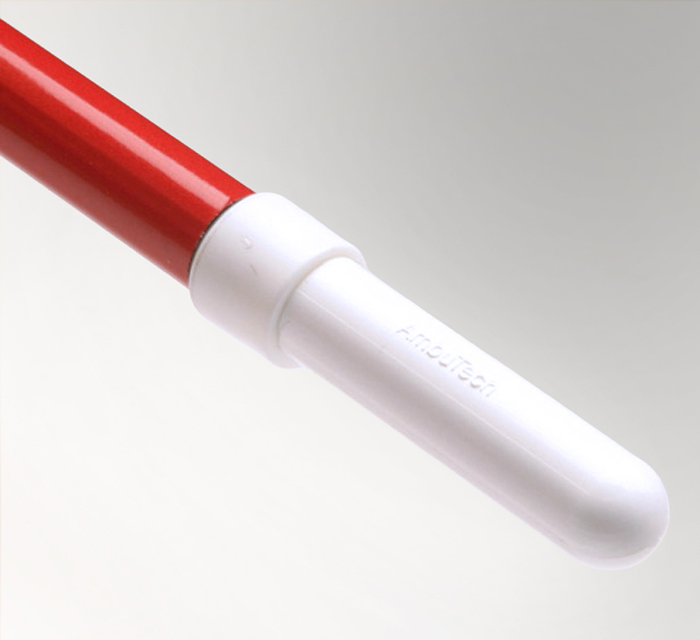
Pencil Hook Tip
Designed for precise, responsive ground contact and smooth navigation. It glides over surfaces during constant contact.
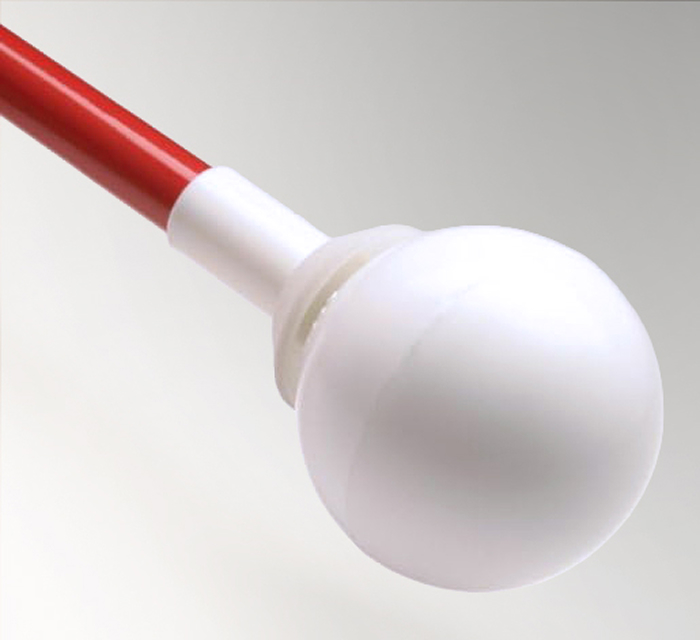
Rolling Ball Tip
A large rolling sphere for greater sensitivity and visibility. This tip is ideal for constant contact technique.
Mobile Apps
Mobile apps can support access to information, communication, and everyday tasks on smartphones and tablets. Click here to learn more about the Access Technology classes we offer.

Be My Eyes
Connect with sighted volunteers or AI for free, real-time visual assistance via your smartphone camera. Get the app.

Seeing AI
From Microsoft, an AI-powered visual assistant that audibly describes the world through your phone’s camera. Get the app.

Hadley Helps.org
Free courses, podcasts, and peer groups that focus on adapting and thriving with vision impairment. Text PAVL to 52545.

Aira
With one tap, connect with a professional Visual Interpreter and work together to accomplish many tasks. Get the app.
Check out our Media Library
Our videos cover a range of topics related to low vision and assistive technology.
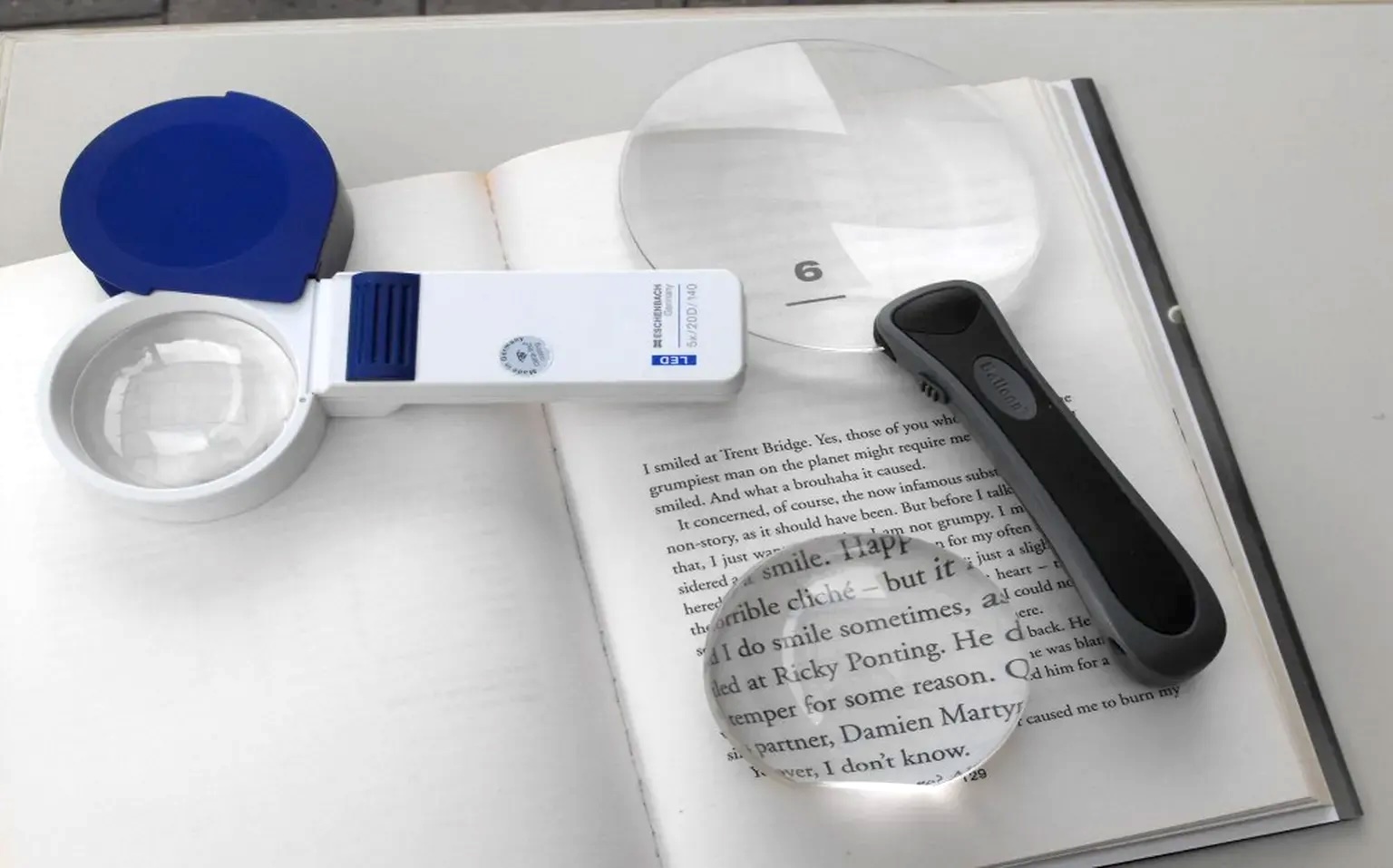
Get Started with Low Vision Essentials!
We can provide you commonly-needed aids, including a check-writing guide, a magnifier, and more, at no cost.
Contact Us to Plan a Visit!
Email or call us at (215) 627-0600 to plan a visit to our Low Vision Resource Center.